Clash of Clans Global Chat Is Back: Groups, Communities & Town Square (2026)
Clash of Clans Global Chat is back in the June 2026 update. Here's how the new three tiers, Groups, Communities and Town Square, actually work.
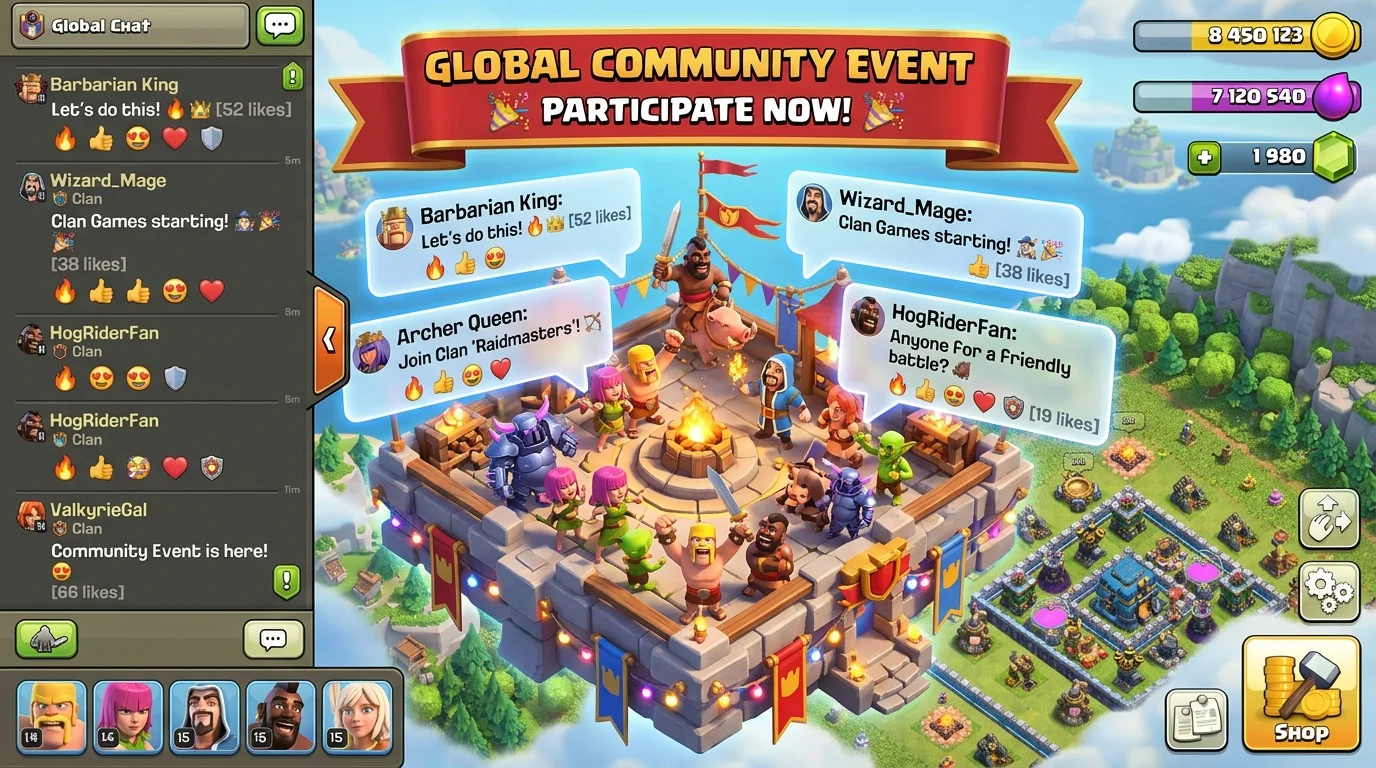
Photo by AI Generated
Global Chat is back, and it took nearly seven years
Global Chat disappeared from Clash of Clans back in 2019, and for nearly seven years the only people you could talk to in-game were your own clan and the folks in your war chat. That's finally changed. With the June 2026 Anime Fury update, Supercell brought Global Chat back, and it started rolling out to players on June 16 and 17.
Here's the thing though: it isn't the same chaotic free-for-all that got switched off all those years ago. The whole system has been rebuilt from the ground up into three separate layers, each with its own size and purpose. When I first opened it, my honest reaction was that it feels less like the old global channel and more like a proper social hub bolted onto the game. So before you go hunting for the old scrolling wall of recruitment spam, it's worth understanding how the new version is actually structured.
Groups: small spaces you actually control
The smallest tier is Groups, and these are the spaces you'll probably use day to day. A Group can hold up to 800 members, and the person who creates it decides whether it's Public, Invite-Only, or Private. So if you just want a quiet room for your clan family or a handful of friends, you can lock it down completely.
Groups come with the social bits you'd expect now: emoji reactions, stickers, the ability to share your player profile, clan links, and even QR-code invitations so people can hop in quickly. One detail worth flagging is that once a Group passes 600 members, it gets the option to graduate into a Community, which is the next tier up. I like that the line between the two isn't a hard wall, because a busy recruiting group can grow into something bigger without you having to rebuild it from scratch.
Communities: built for up to 50,000 people
Communities are where the scale jumps. These are always public, and the member cap leaps all the way up to 50,000, which makes them the home for big clan networks, content creators building an audience, or anyone running a high-traffic room. They've also got Family-Friendly filtering switched on by default, so the moderation baseline is stricter than the old global channel ever was.
There's one quirk you really shouldn't ignore: in Communities, messages are automatically deleted after 12 hours. It's a live, rolling conversation rather than an archive, so don't post something important and expect to scroll back to it tomorrow. I actually think that's a smart call for a 50,000-person room, since nobody wants to wade through a week of old chatter, but it does mean you treat a Community like a stream you dip into, not a noticeboard.
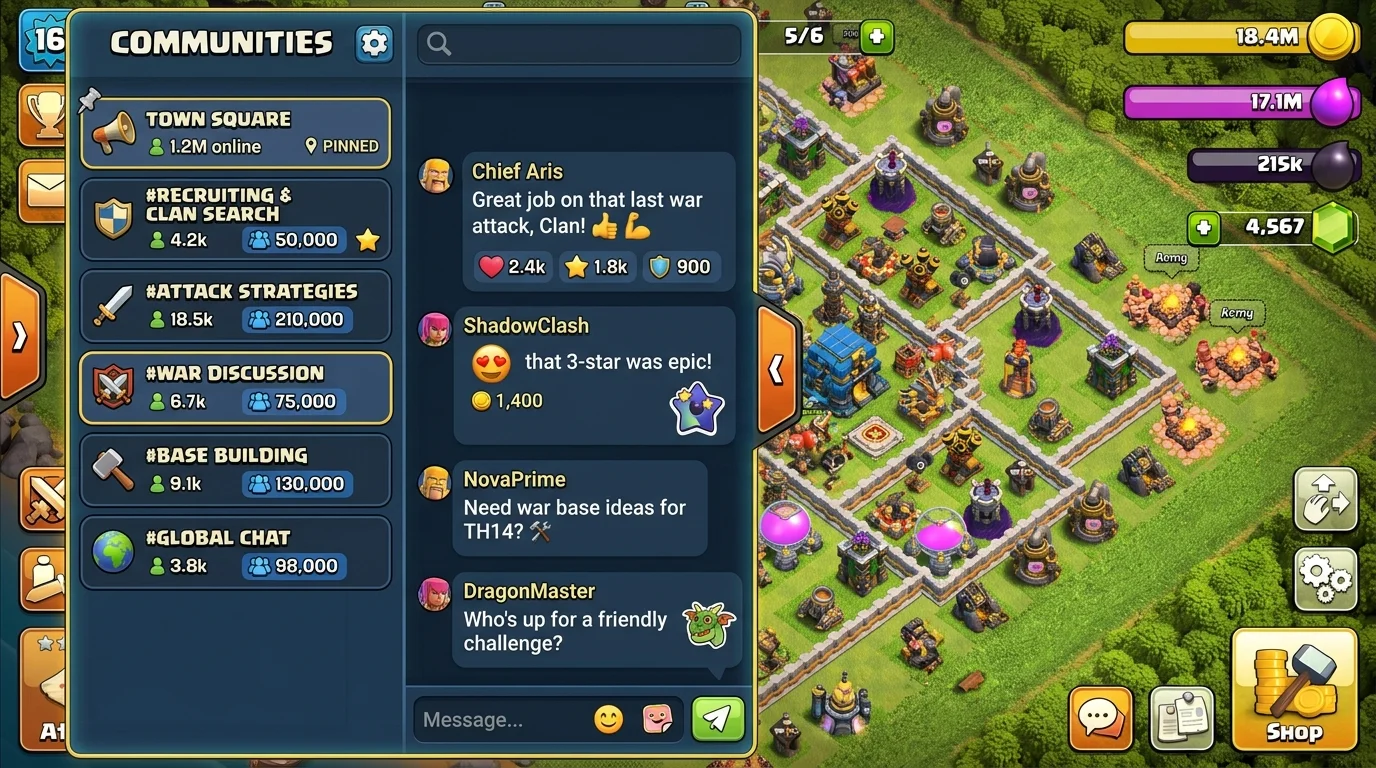
Photo by AI Generated
Town Square: the channel you're already in
The third layer is Town Square, and you don't have to do anything to join it. Every player is dropped into Town Square automatically, and it works as the game's central announcement board. This is where you'll catch official updates, sneak peeks at upcoming content, live-event news, and community-wide happenings.
The catch is that not everyone can post here. Town Square is broadcast-style: Community Managers, Ambassadors, creators, and special guests put up the messages, and the rest of us react in real time. That keeps it readable instead of a wall of noise. If you've ever wanted a single place to see what's coming next without trawling Reddit or YouTube, this is basically it, and it ties in neatly with everything else that landed in the June 2026 update.
Why it was pulled in 2019, and what's changed
It's worth remembering why Global Chat vanished in the first place. The original was removed partly because moderation was a nightmare: scams, spam, and unsafe content ran wild with very little to stop them. Supercell has clearly learned from that.
The rebuilt version ships with real guardrails. Every message is reportable, website links are blocked outright, there's anti-spam rate limiting, and Communities run that Family-Friendly filter by default. On top of that, the rollout was staged: for the first two days only Creators could spin up Groups, and only after that window did creation open to all players. That slow start gave the moderation systems a softer launch instead of throwing the doors open to everyone at once. It's a far more cautious approach, and given how the first version ended, that's the right instinct.
How I'd actually use it
So what's it good for once the novelty wears off? For me, the obvious win is recruiting. A public Group or a Community is a much better place to advertise a clan than the cramped channels we had before, and the 800-and-up member caps mean you can build a genuine pipeline of potential members. It's also handy for lining up friendly war opponents and scrims without leaning on a separate Discord server.
My one piece of advice: because Community history wipes every 12 hours, pin anything permanent (clan tag, rules, requirements) somewhere outside the chat. And if you're recruiting or scouting, having a base ready to show off helps, so it's worth keeping a solid layout on hand from our base finder before you start pitching. If you came back to the game for this update, the Hero Journey rewards track is also worth checking the same day, since the two landed together.
My take: is it worth your time?
Honestly, I'm glad it's back, and I'm even more glad they didn't just flip the old one back on. The three-tier setup (small Groups, big Communities, broadcast Town Square) actually solves the problems that killed Global Chat the first time, instead of pretending they didn't exist. Supercell even paired the launch with a football-stars campaign tied to World Cup winners, so it's clearly being treated as a headline feature rather than a quiet add-on.
Is it perfect? No. The 12-hour wipe will annoy people who wanted a searchable archive, and a broadcast-only Town Square won't satisfy everyone. But as a way to make a years-old game feel social again, it's a strong return. You can read the full rundown in Supercell's official Anime Fury update notes, and then go find a Community worth joining.
Frequently Asked Questions
When did Global Chat return to Clash of Clans?
It came back with the June 2026 Anime Fury update, rolling out to players on June 16 and 17, nearly seven years after it was removed in 2019.
What are the three Global Chat tiers?
Groups (up to 800 members, set to public, invite-only, or private), Communities (always public, up to 50,000 members, with messages deleted after 12 hours), and Town Square (a broadcast announcement channel every player joins automatically).
Why was Global Chat removed in 2019?
It was pulled largely because of moderation problems, as scams, spam, and unsafe content were hard to control. The new version adds message reporting, website-link blocking, anti-spam rate limiting, and family-friendly filtering.
Do Community messages stay forever?
No. In Communities, messages are automatically deleted after 12 hours, so it's a live rolling conversation rather than a permanent archive. Pin anything important somewhere outside the chat.
Can anyone create a chat group?
Eventually, yes. For the first two days after launch only Creators could make Groups, and after that window creation opened up to all players.
Where can I find a base to show off when recruiting?
Pull one instantly from our base finder, or browse the full library by Town Hall and base type.