How to Find Any COC Base Layout from a Screenshot (2026)
How to find a Clash of Clans base from a screenshot in 2026. Use AI base finder, image search, and reverse-lookup tricks that actually work.
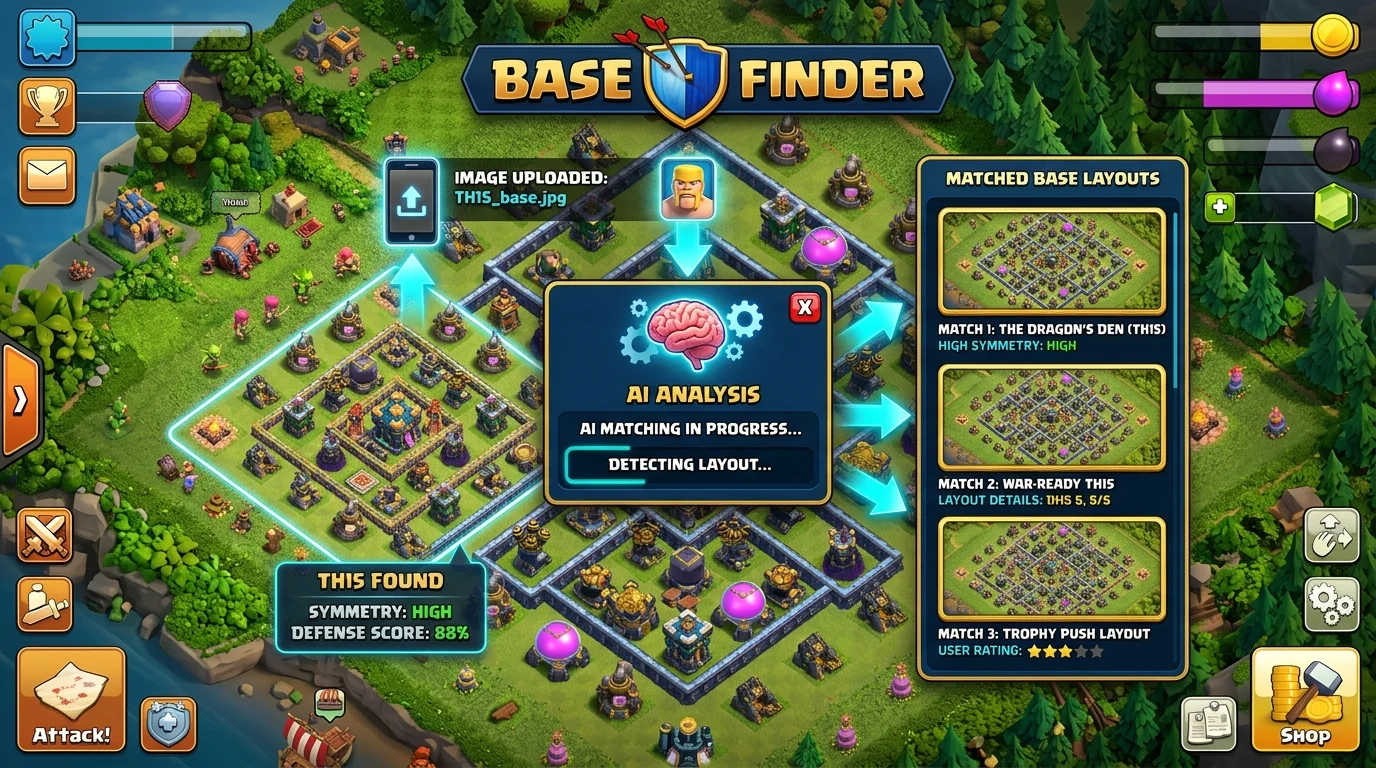
Photo by AI Generated
You Saw a Base on YouTube and Now You Need It
We've all done this. You're watching a COC recap video, some guy's TH16 base eats three war attacks like nothing happened, and your brain goes — I NEED that layout. So you pause the video. Screenshot it. And then... what?
Next thing you know, you're scrolling through base-sharing Discords for an hour. Googling "ring base TH16 with offset Eagle" returns absolutely nothing useful. Your clanmates don't have the link either.
I did this exact dance for about two years before I realized base finder tools existed. Not base libraries where you browse categories — actual reverse image search for Clash of Clans layouts. Upload a screenshot, get the copy link back. That's it.
Looking at what people search on Google, a LOT of players are in the same boat. Queries like "find coc base with screenshot" and "find this base" have been climbing steadily since January. So if you didn't know this was a thing — you're not alone, and yeah, it's about to change how you play.
The worst part was always the time investment. I'd spend 30 minutes hunting down a single base link when I could've been practicing attacks or doing my war hits. That's time I'm never getting back, and for what? A base I might not even end up keeping after a week. When I finally found tools that could match screenshots to base links, it felt like a whole different game.
There's another scenario where this becomes super valuable that I don't see mentioned much — the "revenge scout" play. Your clanmate just defended a tough attack and wants to know exactly which base held. Or you're in CWL and one of your TH17s held against a top attacker when similar layouts in your clan folded. Screenshot that defensive base and run it through a finder tool. Get the copy link. Now you can share it with the other TH17s who need a layout upgrade without rebuilding from scratch or explaining the compartment structure from memory.
I did this twice last CWL season. First time was after our clanmate "BigG" defended a max Root Rider attack at TH17 that every other player in our clan had failed against. Ran his base through Base Drop's finder, grabbed the link, shared it in Discord. Three other TH17s copied that layout before the next war day. Second time was pulling a TH15 layout from a clan we'd just beaten — their base held two of our attacks and I wanted to know why. Found the layout, added it to our own rotation. It's this whole extra layer of strategy that's just sitting there waiting if you actually use the tool.
So yeah: base finders aren't just for "I saw something cool on YouTube." They're a legitimate scouting and strategy tool that competitive clans are using right now. If you're not using them that way, you're leaving an edge on the table that your opponents might already be taking advantage of.
How Do These Base Finders Even Work?
The concept is surprisingly simple. These tools use image recognition to analyze your screenshot — specifically the position of buildings, walls, and defensive structures. They compare that layout against a database of known base designs and return the closest matches with copy links.
Think reverse image search, but instead of scanning the whole internet, it's scanning a massive database of COC layouts.
What you need: a reasonably clean screenshot of the base. The tool doesn't care about hero skins or troop levels. It's reading building placement. As long as the key structures are visible and not buried under spell effects or UI elements, it'll find matches.
This works on war bases, home bases, even Builder Base layouts. But I'll be straight with you — war bases return way better results because they're the ones people actually share in base libraries. That random home base your TH12 clanmate threw together at 2 AM? Probably not in anyone's database. Widely shared war designs from YouTubers and pro clans? Almost always in there.
I Tested Every Base Finder I Could Get My Hands On
Base Drop's Find My Base is the one I keep going back to. Upload a screenshot, it scans the layout, and you get matches with direct copy links. Fast, clean, covers TH10 through TH18. I've used it to grab bases from YouTube videos, CWL replays, and random Reddit screenshots people post asking "what base is this?" Hit rate is solid — probably 7 or 8 out of 10 screenshots return a usable match. It does struggle with heavily cropped images though, so give it the full layout.
BurntBase takes a completely different approach that's honestly kind of genius. Instead of giving you a copy link, it finds YouTube videos of that exact base getting 3-starred. For war prep that's insane — you're literally watching someone triple the base you're about to attack. The tradeoff is you don't get a copy link, you get attack strategy intel.
FindThisBase has been around longer than most of these tools and has a decent database. Can be slower, but worth a shot if your first search comes up empty.
My take? Use cocbasedrop.com for copy links and BurntBase for attack videos. Between the two, you've got basically every use case covered.
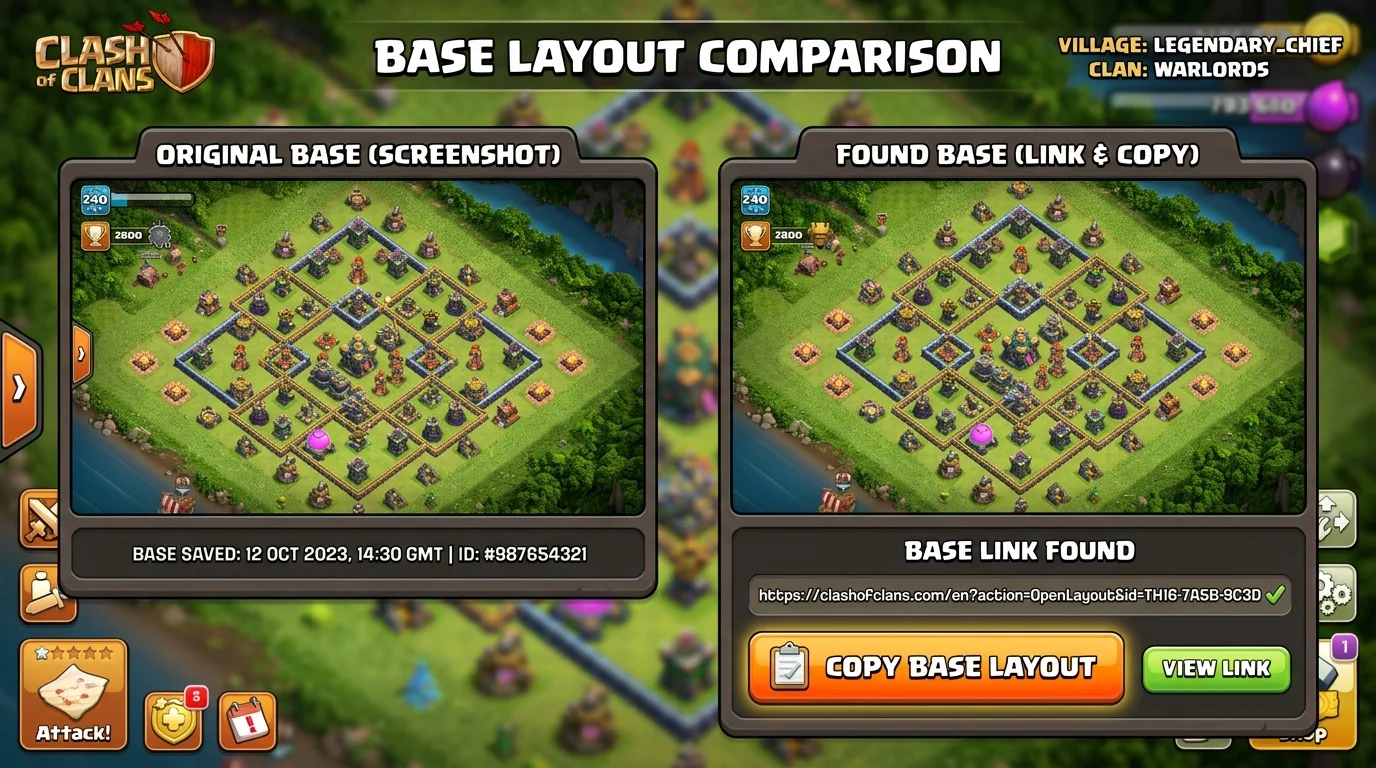
Photo by AI Generated
Your Screenshots Probably Suck (Here's How to Fix That)
I'm not being mean — I took garbage screenshots for months before I figured out what actually matters for base matching.
Show the full layout. Cropped screenshots where half the base is cut off will tank your results. Zoom out until every single building is visible. Walls especially — those are a huge part of how the matching algorithm identifies layouts.
Avoid clouds and fog. If you're scouting in multiplayer, parts of the base are hidden until you deploy troops. Use the war map preview or a replay for a clean shot. War bases are ideal because you can see everything before attacking.
Skip the attack view. During a live attack there are spell effects, troop icons, damage numbers, and UI overlays blocking buildings. The pre-attack scout screen or the war base preview is what you want.
Brightness and quality matter more than you'd think. Screenshots from low-resolution screen recordings or compressed YouTube rips give noticeably worse results. Pause on a clear, well-lit frame if you're grabbing from video.
And here's one I learned the hard way — screenshots from replays sometimes show the base at a slightly different zoom level than the war map does. For the most consistent results, use the war map base preview. It's the most standardized view across all devices.
One more tip that took me embarrassingly long to figure out — orientation matters. If you take a screenshot in portrait mode but the base fills the landscape view, you might be cutting off the edges. On most phones, rotating to landscape before screenshotting gives you the widest possible view. iPhone users can also use the native screenshot editor to crop out the top status bar and bottom navigation, which sometimes confuses the matching algorithm.
How This Turned Around Our CWL Season
Alright, story time. Last CWL, we drew a clan with five TH17s running bases I'd never seen before. Not the usual internet bases — custom stuff, or at least modified enough that I couldn't identify them by eye.
I screenshotted all five and ran them through Find My Base. Three came back with matches. Two of those also showed up on BurntBase with 3-star attack replays.
Shared the videos in our clan Discord. Our TH17s watched the attack strategies, adjusted their army comps, and we tripled two bases that we absolutely would have two-starred going in blind. One of our guys switched from his usual Root Rider push to a Fireball Yeti smash after seeing it was the hard counter in the replay. Clean triple.
That was the difference between winning and losing a tight war day.
Since then, base scouting is standard practice for us. Every CWL day: screenshot opponent bases, run them through Find My Base, check BurntBase for attack vids. Takes 10 minutes, gives us a massive edge. If you're running popular TH17 war layouts — and most clans are — there's a good chance the enemy is too. And that means they're findable.
Flip side — if your OWN base shows up instantly, that's your cue to rotate. Screenshot your layout, search it, and if it comes back with 3-star videos attached, swap it out before CWL starts.
You Don't Always Need a Screenshot
Sometimes you're not trying to find a specific base — you just want a good new one. Base Drop's browse library has layouts sorted by Town Hall level and base type, all with copy links. I swap my CWL bases every two weeks from there.
Way less effort than digging through Reddit base threads where half the links are expired and the screenshots are from three town hall levels ago. As of March 2026, all the layouts on cocbasedrop.com are current-meta designs. If you're at TH15+ and still running a base you found on YouTube eight months ago, it's probably time to refresh.
Between the image search and the library, I honestly don't look for bases anywhere else anymore.
Frequently Asked Questions
How do I find a COC base layout from a screenshot?
Upload your screenshot to a base finder tool like cocbasedrop.com's Find My Base. The tool uses image recognition to analyze building positions and matches your screenshot against a database of known layouts, returning copy links for matching bases.
What is the best base finder tool for Clash of Clans in 2026?
Base Drop's Find My Base is the most reliable for getting copy links directly. BurntBase is the best option if you want 3-star attack videos instead. Using both tools together covers the widest range of use cases.
Can I find a Clash of Clans base from a YouTube video?
Yes — pause the video on a clear frame showing the full base layout, take a screenshot, and upload it to a base finder tool. Avoid frames with spell effects, troop overlays, or UI elements blocking buildings for the best results. YouTube compression can reduce image quality, so pick the highest resolution frame you can find. If the video is only available in 480p, results will be less reliable than a crisp 1080p screenshot.
Does Find My Base work for all Town Hall levels?
Base Drop's Find My Base covers TH10 through TH18. Higher town hall levels tend to have better match rates because those bases are shared more frequently in base libraries and by content creators. TH14 through TH18 get the best results, while TH10-TH12 bases have a smaller database to match against. The tool is updated regularly with new layouts as they get shared in the community.
How accurate are COC base finder tools?
Hit rates vary, but a clean full-layout screenshot returns a usable match roughly 70-80% of the time. Results are better for popular war bases shared by YouTubers and pro clans, and worse for custom or heavily modified layouts. Cropped or low-resolution screenshots will also tank your match rate. For the best results, use a full-screen war map preview with all buildings clearly visible.
Can my CWL opponents use base finders to counter my war base?
Yes. If your war base is a widely shared design, opponents can screenshot it and find 3-star attack replays. Rotating bases every 1-2 CWL seasons and avoiding the most popular internet bases reduces this risk.