Clash of Clans 4x Speed (Fast Forward) Explained (2026)
Clash of Clans added a 4x Fast Forward button after 120 seconds of battle. Here's how it works, where to use it, and when to tap it.
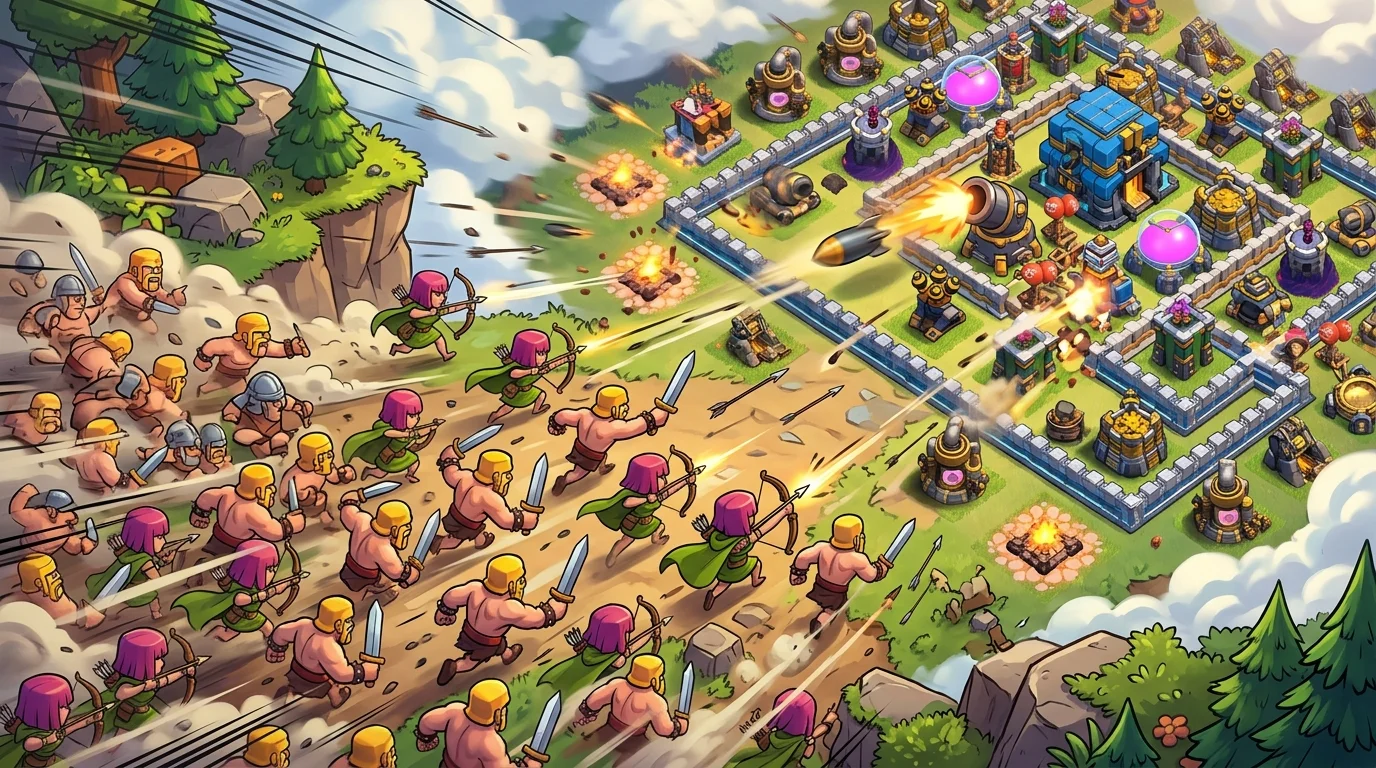
Photo by cocbasedrop
Quick Answer
Clash of Clans now has a Fast Forward button that speeds the battle up to 4x once 120 seconds have passed in your attack. It's a toggle — tap it to jump to 4x speed, tap again to drop back to normal. There's no in-between, just 1x or 4x. It works across Home Village, Builder Base, and Clan Capital battles, and it's a pure time-saver for when the outcome's already decided but the clock's still running. I tested it across dozens of multiplayer hits and it's quietly one of the most useful quality-of-life additions in years.
What Fast Forward (4x speed) is
Every Clash player knows the feeling. Your army's basically done its job, you've got a single Archer chipping away at the last few buildings, and you're stuck watching her walk across the map in real time while the timer crawls. Those last buildings still matter — they're the difference between a clean win and a sloppy one — but sitting through them is dead time.
Fast Forward fixes that. After 120 seconds of battle time, a Fast Forward button appears on your screen. Tap it and the whole battle runs at 4x speed: troops move faster, attacks land faster, and the timer burns down four times quicker. Tap it again and you're back to normal 1x. It's strictly one or the other — there's no 2x or 3x middle gear — so you're either watching in real time or fast-forwarding through it.
The 120-second gate is deliberate. Supercell didn't want people speed-running the opening of every attack, where timing and reactions actually matter. The first two minutes play out normally; the speed option only unlocks for the back half, which is usually when the result is already clear.
How to turn on 4x speed
There's almost nothing to learn here, which is the point. Here's the whole process:
- 1Start your attack like normal and play the first two minutes at standard speed.
- 2Wait for the 120-second mark. Once it passes, the Fast Forward button shows up on screen.
- 3Tap it to switch the battle to 4x speed.
- 4Tap it again any time you want to drop back to 1x — for example, if a late hero ability or a tricky cleanup needs your full attention.
That's it. You don't enable it in settings, you don't unlock it through progression, and it doesn't cost anything. It just appears mid-battle once you've crossed the time threshold. You'll see it at the bottom of your screen near the deployment bar — it's a small button, but once you know where it sits you won't miss it. The toggle is the smart part: you're never locked into fast mode, so if something unexpected happens you can slow right back down and react.
Where you can use it
Fast Forward isn't limited to one mode, which is what makes it genuinely useful day to day. It's available across the main battle types:
- Home Village — your standard multiplayer and farming attacks. This is where I use it most, especially when I'm farming and just want loot fast.
- Builder Base — those one-army Versus battles where you're often watching a slow finish.
- Clan Capital — Raid Weekend attacks, where you might be running back-to-back hits and want to move quickly.
That coverage matters because the slow-finish problem shows up everywhere, not just in one mode. Farming sessions, Builder trophy grinds, and Raid Weekend runs (and then banking your leftover gold in the Treasury) all share the same slow-finish problem, and the button's there for every one of them.
When you should — and shouldn't — tap it
Fast Forward is great, but it's not a "press it the second it appears" button. Here's how I decide.
Use it when the outcome's locked. Army's spent, you've got the stars you're going to get, and you're just cleaning up buildings for extra destruction, loot, or trophies. That's the sweet spot — you're saving real time with zero downside.
Use it for farming. When I'm grinding resources, I don't care about the artistry of the attack, I care about loot per minute. Fast-forwarding the cleanup adds up over a long session.
Don't use it during anything that needs timing. If you've still got hero abilities to pop, a Warden ability to save your push, or a tense cleanup where one mistake costs a star, stay at 1x. 4x speed makes precise inputs harder, and a mistimed ability at quadruple speed can throw the whole attack. The good news is you can flip back to normal instantly, so there's no harm in slowing down for the important moments.
Treat it as a tool for the boring parts of a battle, not the decisive ones, and it's close to a free upgrade to your daily play.
Does Fast Forward change your attack results?
This is the question I had the first time I used it, so let me clear it up: no, Fast Forward doesn't change the outcome of your attack. It only changes how fast the battle plays on your screen. Your troops behave exactly the same, the same buildings get destroyed, and you earn the same loot, trophies, and stars you would have at normal speed. It's a display speed, not a difficulty or luck modifier.
That matters because it means there's zero risk in using it for cleanup. If your army's going to clear those last few buildings anyway, watching it happen at 4x versus 1x gets you the identical result — you just get there faster. For farming, that's a real throughput gain. Over a long session of multiplayer hits, shaving the slow tail off each attack means more raids per hour and more loot banked in the same play time.
The one thing to keep in mind is your own reaction time. At 4x, everything you might need to respond to — a hero dropping low, a Warden ability you wanted to time, a Clan Castle troop popping out — happens four times faster. So while the *game* plays out identically whether you fast-forward or not, your *inputs* get harder to land precisely. That's the whole reason the toggle exists: speed up when you're a spectator, slow down when you're still making decisions. Used that way, it's free efficiency with no catch. I've never once regretted tapping it during a farming cleanup, and I've never used it during a tense war hit where a single ability mattered.
My experience with it so far
After running Fast Forward through a lot of farming and a full Raid Weekend, the honest verdict is that it's the kind of feature you stop noticing because it just becomes part of how you play. The time savings are small per attack but constant, and over a long session they're real.
The 120-second gate is the right call. It keeps the early, skill-based part of an attack at normal speed while letting you skip the tedious tail. And the simple 1x/4x toggle means you're never fighting the interface — you speed up when it's safe and slow down when it's not.
If you're coming back to the game after the big June 2026 update, this is one of those changes that doesn't grab headlines but improves every single session. Supercell laid out the details in their official release notes, and in this case the feature lives up to the pitch. It won't change how you build an army, but it'll give you back time you didn't realize you were losing.
Frequently Asked Questions
How do I get 4x speed in Clash of Clans?
Start your attack and play normally. After 120 seconds of battle time, a Fast Forward button appears on screen. Tap it to switch to 4x speed, and tap it again to return to normal 1x speed. There's nothing to unlock or enable in settings.
Why can't I see the Fast Forward button?
The button only appears after 120 seconds have passed in your current attack. The first two minutes always play at normal speed, so if you've just started a battle, you'll need to wait until the time threshold is reached.
Is there a 2x or 3x speed option?
No. Fast Forward is a simple toggle between normal 1x speed and 4x speed — there's nothing in between. You either play at normal speed or fast-forward at 4x.
Which game modes support 4x speed?
Fast Forward works across Home Village attacks, Builder Base battles, and Clan Capital Raid Weekend attacks, so you can use it in most of the battle types you play day to day.
Should I use 4x speed during hero abilities?
It's better to drop back to 1x for anything that needs precise timing, like hero abilities or a tight cleanup. Use 4x for the boring parts when the result is already decided. For layouts that help you defend against fast cleanups, check our base finder.